The ecosystem
The Nova Ecosystem
One family of software. Built to work together.

NovaCut
Creative software for editing and creating.
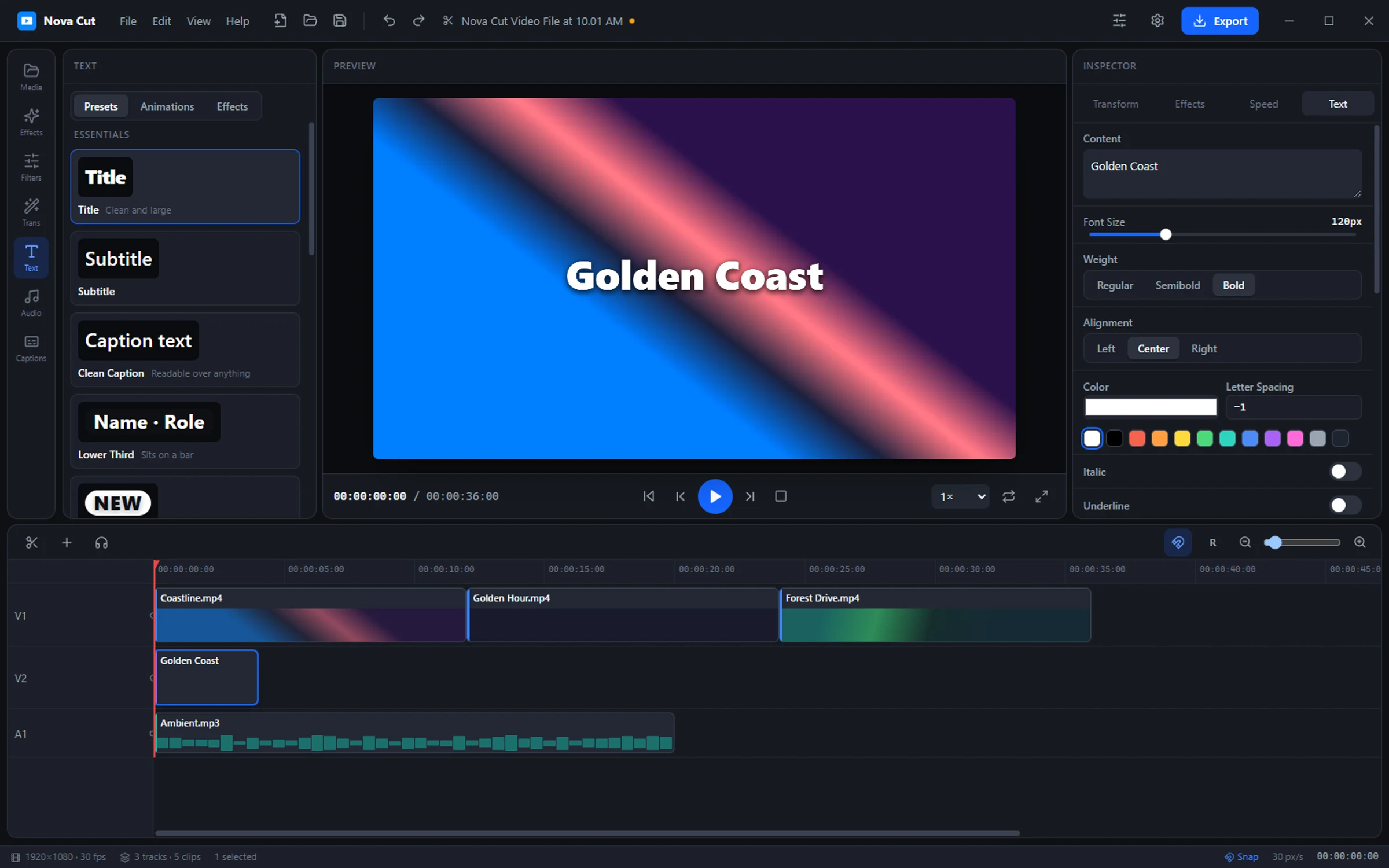
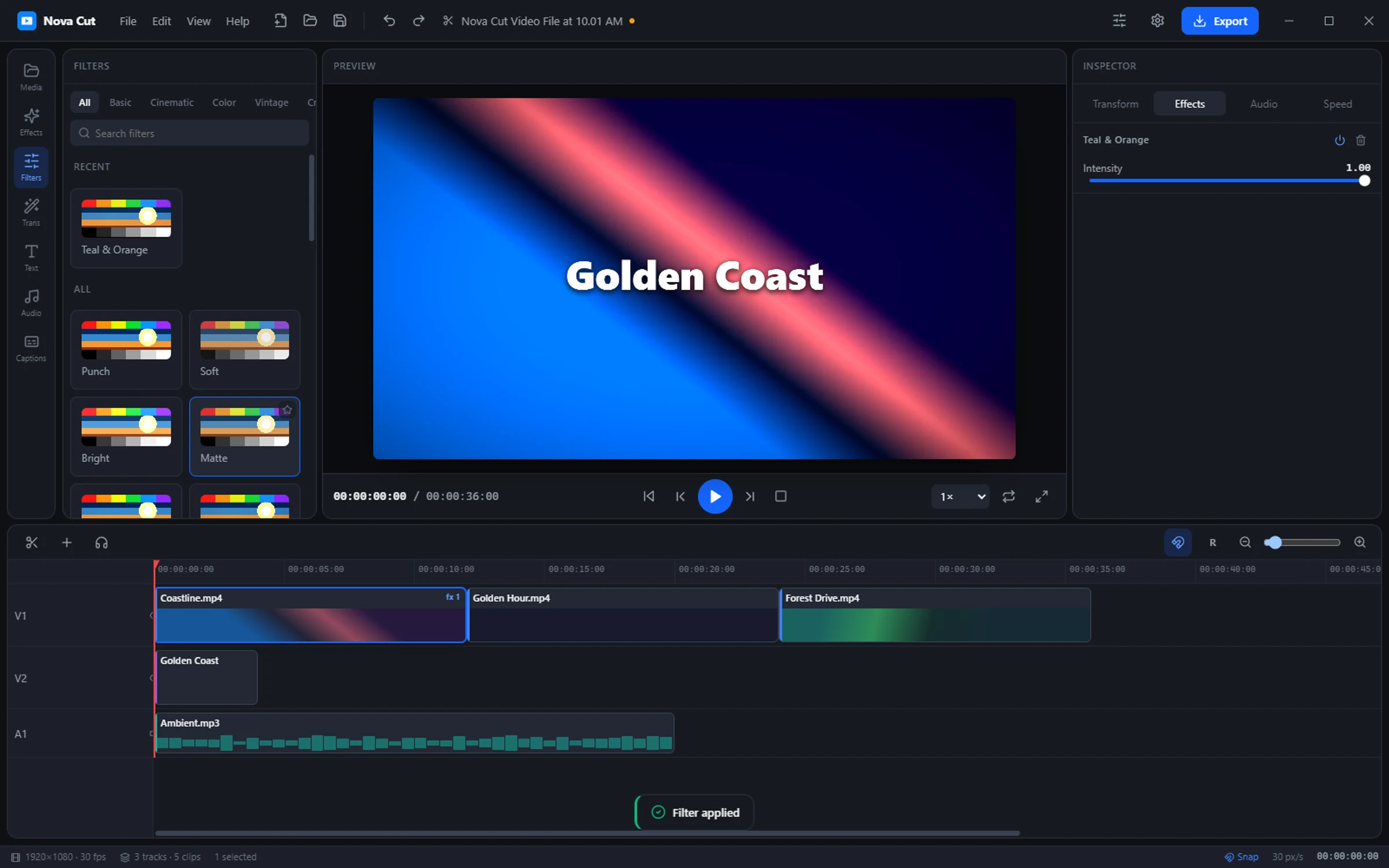
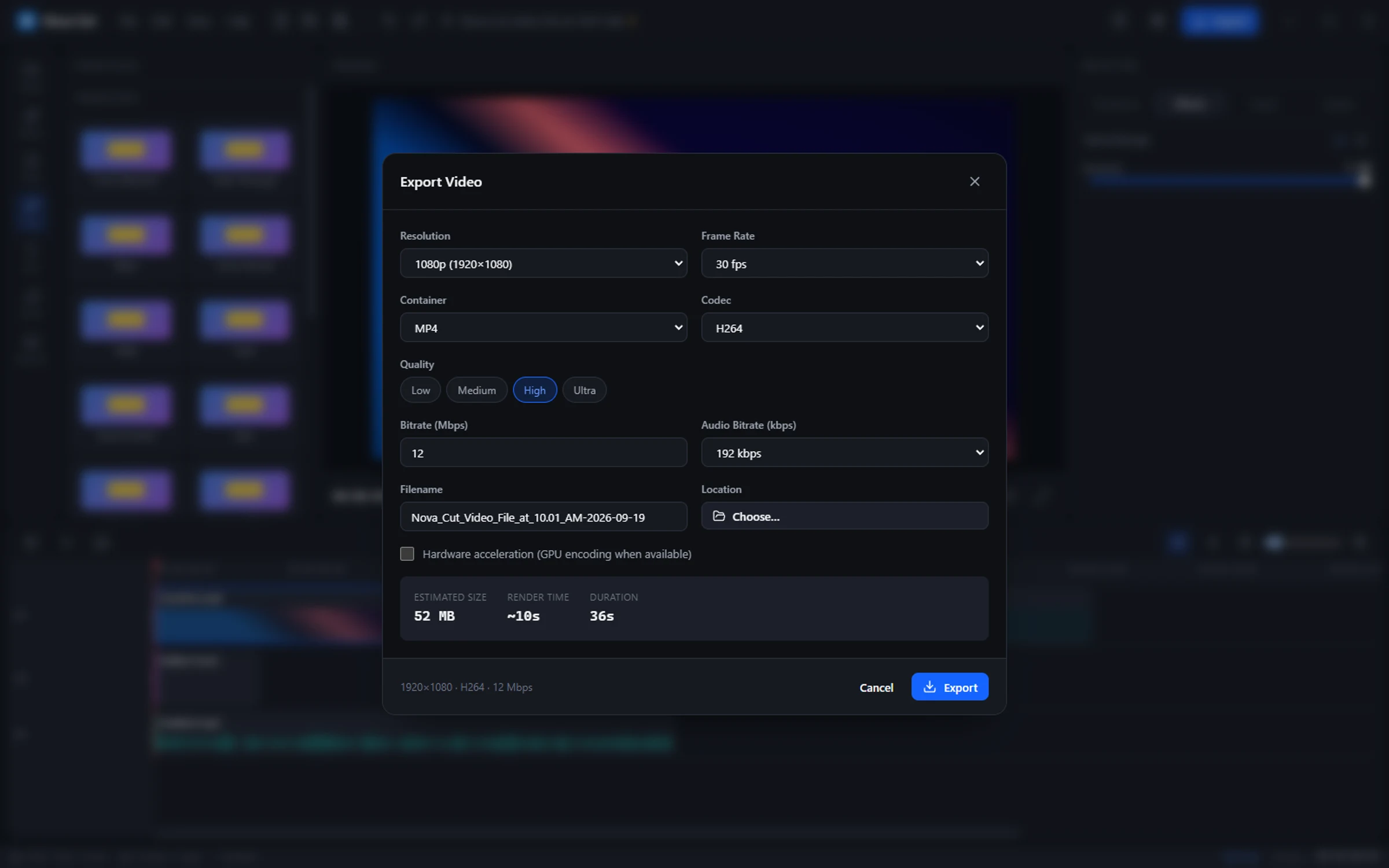
NovaCut is a desktop video and photo editor for real projects — a timeline that stays responsive as the project grows, and exports that finish.
It runs natively on your machine, keeps your media where you put it, and does not ask for a monthly fee to open a file you already made. Buy it once and it keeps working.
Your project, your files, your machine.
What is in it
- Video editing
- A multi-track timeline built for cutting, not for demos.
- Effects
- Color, transitions and treatments applied without leaving the edit.
- Layers
- A photo editor sharing the same document model as the timeline.
- Modern workflow
- Keyboard-first, undo you can trust, and projects that reopen cleanly.
Connected to

Atlas
An AI assistant designed around your own computer.
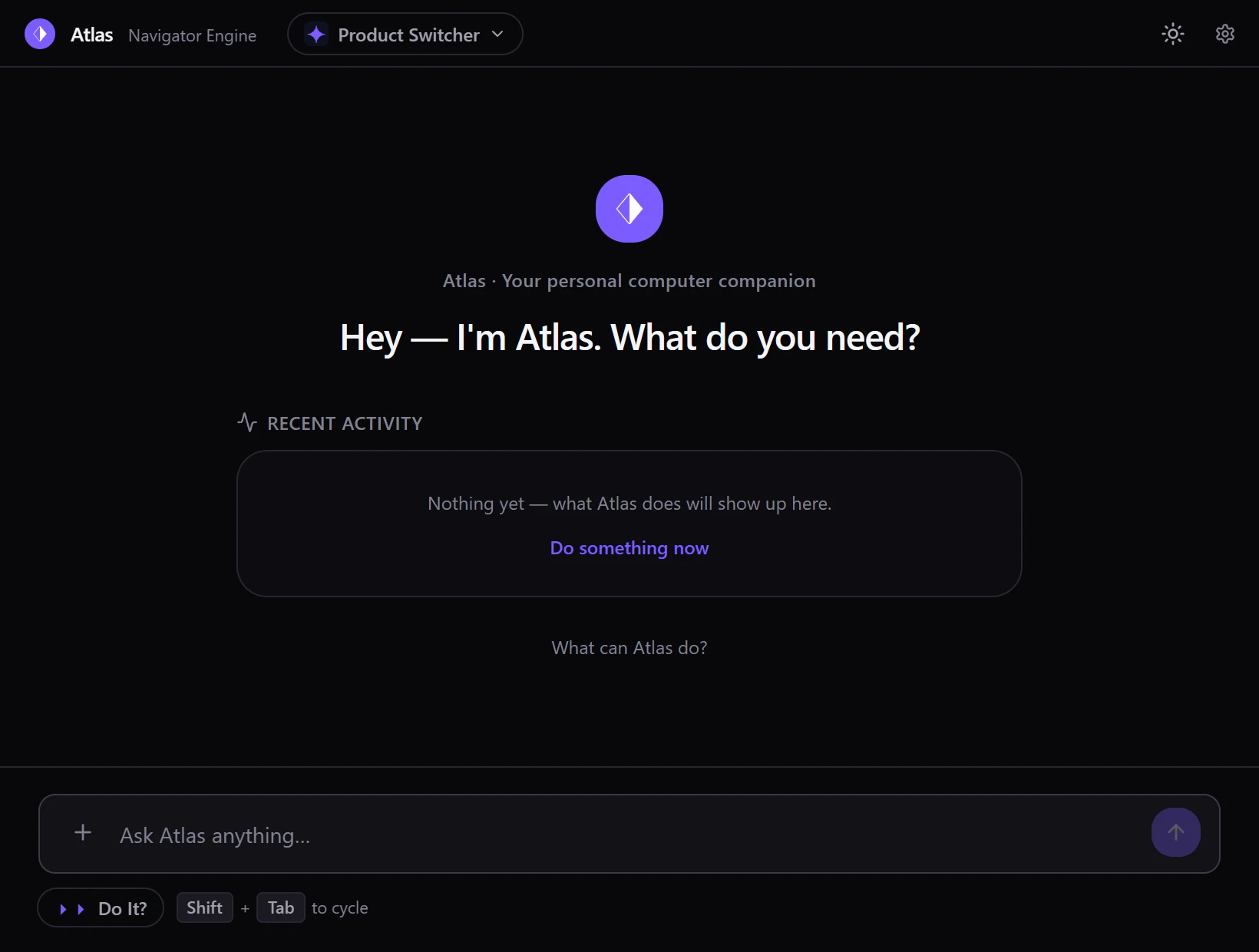
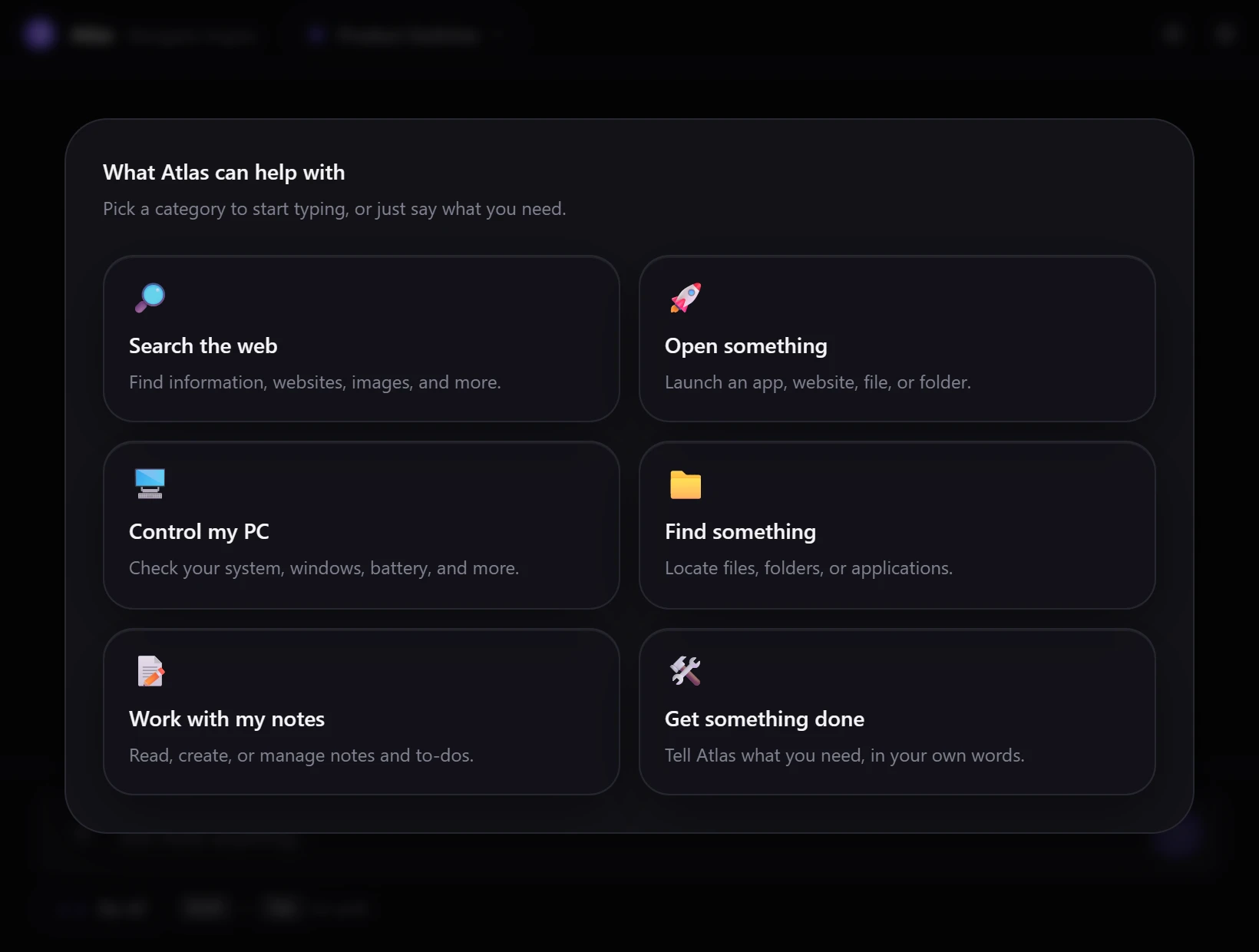
Atlas is a local-first assistant with memory and context — built to work wherever Nova software runs, not tied to any one app.
The point is not a chat window. It is an assistant that understands what you are looking at, remembers what you were doing, and can act on it — reaching for a model on your own hardware before one somewhere else.
Ask in your own words.
What is in it
- Local-first architecture
- Runs against models on your machine, with nothing leaving it by default.
- Memory
- Keeps what matters between sessions instead of starting over each time.
- Tools
- Real capabilities it can invoke, not just answers about them.
- Natural commands
- Say what you want in a sentence; it works out the steps.
- Nova integration
- Aware of the product it is inside, and able to drive it.
Windows 10 or 11, 64-bit. The installer is not code-signed yet, so Windows may show a warning the first time; the release page has an install guide and the file’s checksum.

Replay.GG
Always-on capture, so the moment is already recorded.
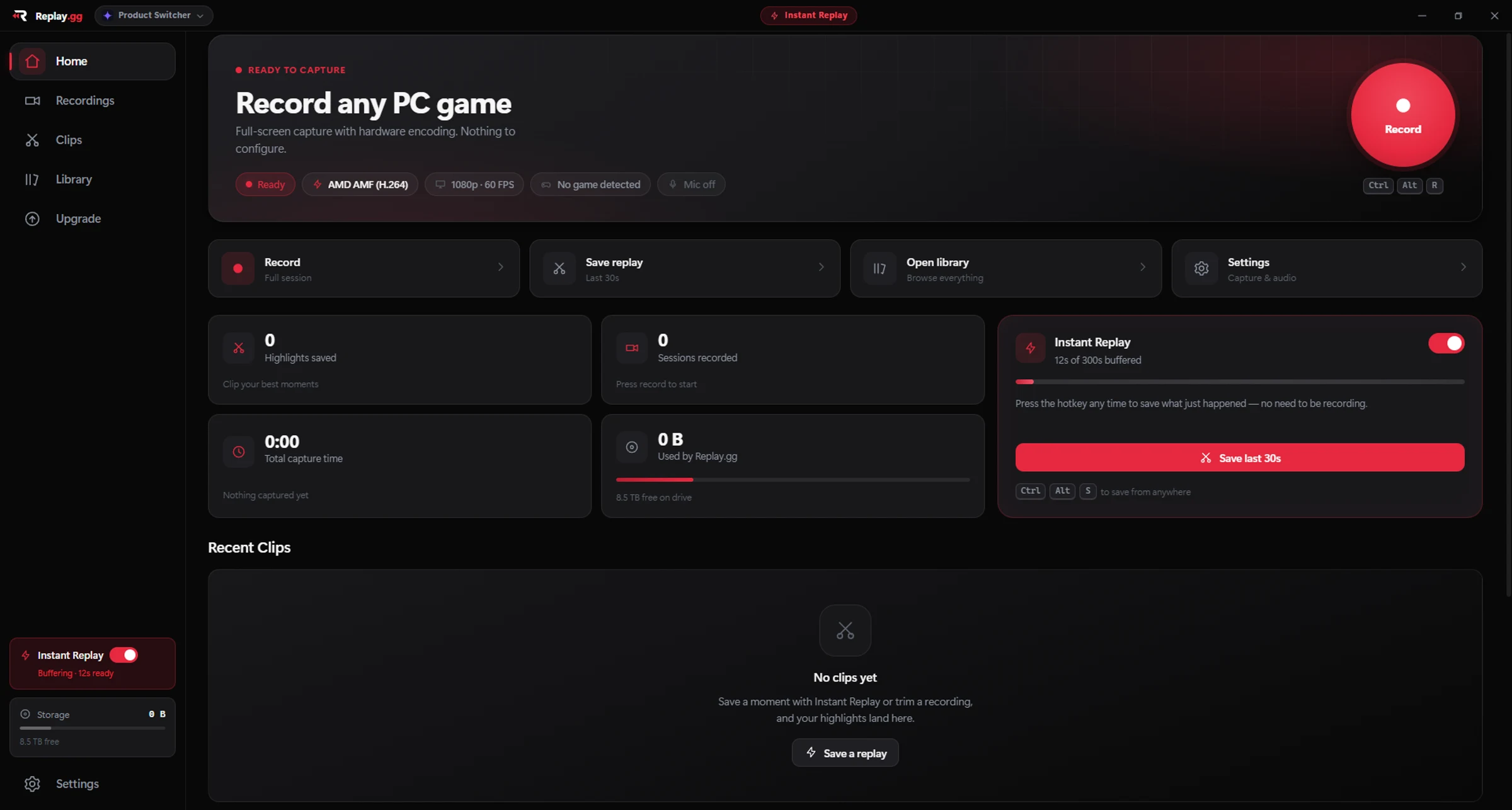
Replay.GG records your gameplay and holds the last few minutes in a rolling buffer, so a great play is saved by pressing one key after it happens, not before.
It detects the game, picks the encoder your graphics card actually has, and hands finished clips to NovaCut for editing.
Save the play after it happens.
Also in the ecosystem
Nova Games
The launcher for Nova's games.
PlannedNova Store
One place to find, get and update Nova software.
PlannedNova.Help
The support center for every Nova product, and one place to file a ticket.
Live Visit Nova.HelpNovaCut Website
A dedicated home for NovaCut, separate from the ecosystem page.
Coming soonAtlas Website
A dedicated home for Atlas, separate from the ecosystem page.
Live Visit the Atlas websiteNovaLegal
The legal center for the Nova ecosystem — terms, privacy, one place to find both.
Live Visit NovaLegalNova.Information
A search-first knowledge backend, with an AI layer on top of it.
Coming soonNova.Loom
A community platform to share and discover, with real trust & safety tooling behind it.
Coming soonNova Forge
A desktop toolkit for customizing and modding your games.
Coming soonDedicated sites are being built alongside the products themselves. Until they exist, every product on this page links to the one place that can already help with it — its section of Nova.Help — rather than to a Learn more that goes nowhere. One Nova Account works across all of them, and none of them require one.